


You activate Gêne
Hold the button until it lights up. That's it. Gêne is on and ready to pair.


Signal via Bluetooth
Turn on Bluetooth and open the Gêne app. Your device will appear as "Gêne Alarm". Tap to connect.

Phone activates SOS
Choose how Gêne calls for help: hold and release, five quick presses, or a quiet call that doesn't sound an alert on your phone. Pick what fits how you carry it.


Add your emergency contacts.
1. Open the Health app on your iPhone.
2. Tap the profile icon in the top-right corner.
3. Select 'Medical ID'.
4. Tap 'Edit' in the top-right.
5. Scroll to the 'Emergency Contacts' section.
6. Tap 'Add Emergency Contact'.
7. Select a contact from your list.
8. Choose the relationship (e.g. mother, partner, friend).
9. Repeat to add additional emergency contacts.
10. Tap 'Done' to save.


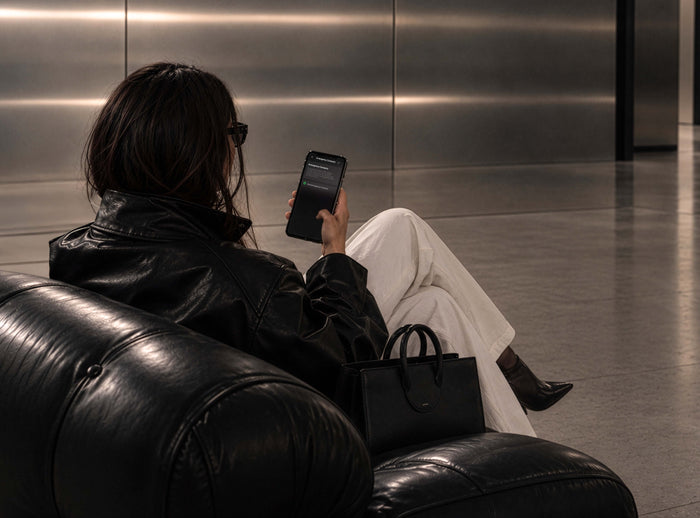
Set It Up Once
Download the app, pair it in seconds and add the people you trust.

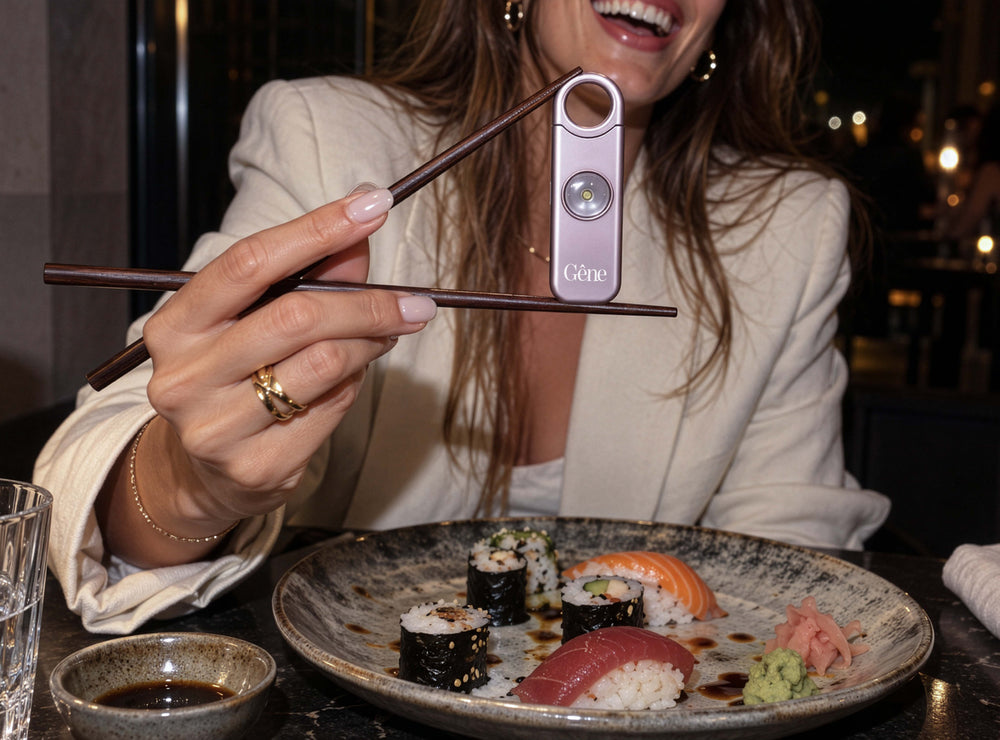

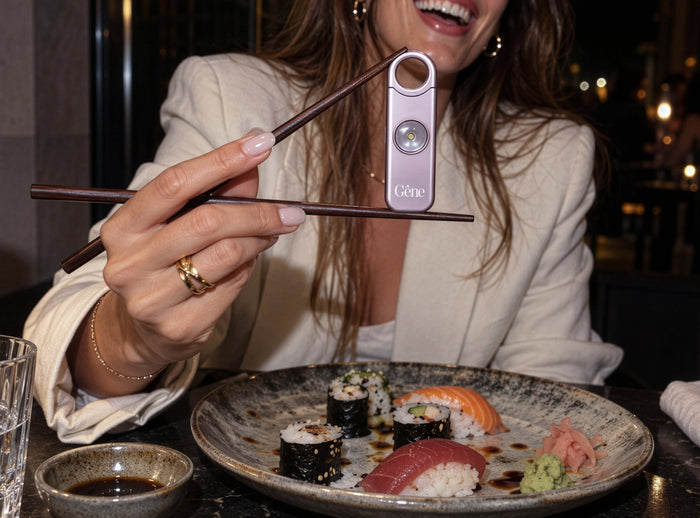
Keep It Close
Clip it to your bag, your keys, your belt loop. Part of what you carry every day.



Always Connected
Bike, run, walk home late, go wherever you're going, your circle is one pull away.
